

Integration guide
This guide covers the HTTP contract for implementing OAuth in your own application — language-agnostic, with curl examples. To start from working code, the Quickstart scaffolds a complete Node.js reference implementation.
Prerequisites
- A registered Brevo OAuth app — create one with
brevo app createorbrevo app init - Your
client_id,client_secret, and a registeredredirect_uri
Get your credentials
Store client_secret on the server side only. Never expose it in client-side code, browser environments, or version control.
Step 1 — Redirect to Brevo
Send the user to the Brevo authorization endpoint. Your server constructs this URL and redirects the user’s browser.
Parameters:
Scopes are space-separated in the request and URL-encoded — contacts:read contacts:write becomes scope=contacts%3Aread%20contacts%3Awrite. The colon (:) must also be encoded as %3A. Most HTTP libraries handle this when you pass scopes as a normal string parameter.
Always generate a new random state value for each authorization request and verify it in the callback. Requests with a missing or mismatched state must be rejected.
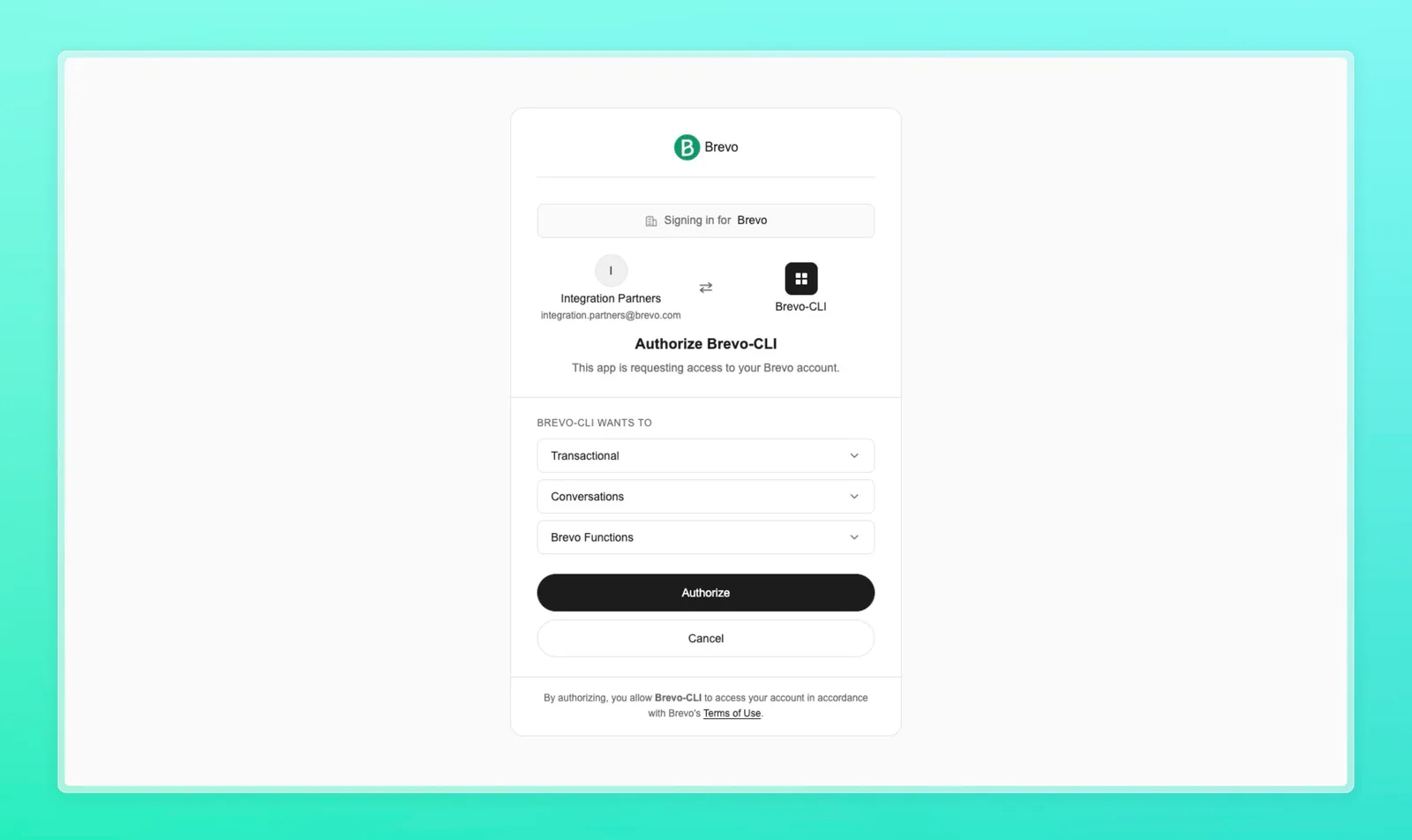
The user sees the Brevo login page, authenticates with their Brevo credentials, and is redirected to your redirect_uri.
Step 2 — Handle the callback
After the user authenticates, Brevo redirects to your redirect_uri with:
In your callback handler:
- Verify
statematches the value you generated in Step 1 — reject mismatches - Extract
code— it expires in 10 minutes, exchange it immediately - Proceed to Step 3
Error responses on the callback. If the user denies access or the request is rejected, the callback receives ?error=<code>&error_description=... instead of ?code=.... The most common error codes:
Handle these cases explicitly in your callback route.
Step 3 — Exchange code for tokens
POST the authorization code to the token endpoint along with your client credentials.
Response:
Token fields:
The access_token is a signed JWT — decode the payload to read the scope claim, exp, and other claims without an extra network call. To validate a token from another service, POST it to the introspection endpoint.
Step 4 — Call the Brevo API
Include the access token as a Bearer token in the Authorization header on every API request.
Response:
All Brevo API endpoints accept Bearer token authentication. See the API reference for available endpoints.
Step 5 — Refresh the access token
When the access token expires, use the refresh token to obtain a new one without prompting the user to re-authorize.
The response has the same shape as Step 3. Always store the new access_token — and if a new refresh_token is returned, replace the stored one.
Security checklist
- Never expose
client_secretin client-side code or public repositories - Generate a unique
stateper request and validate it in the callback - Use HTTPS for all
redirect_urivalues in production - Store tokens server-side — not in
localStorageor unprotected cookies - Always replace the stored refresh token when the server returns a new one
- Never commit
.env.localor files containing credentials - Request the minimum scopes your app needs. Each scope on the consent screen is a permission the user is granting — see Scopes