Authentication
Authentication
Token Access
Your MCP token is provided directly in your Brevo account settings alongside your API key. Simply:
- Access your Brevo account settings
- Navigate to the API Keys section
- Click on Generate a new API key
- Toggle “ON” Create MCP server API key
- Make sure to copy a safely store your credential. It has access to all read/write the operations under your account.
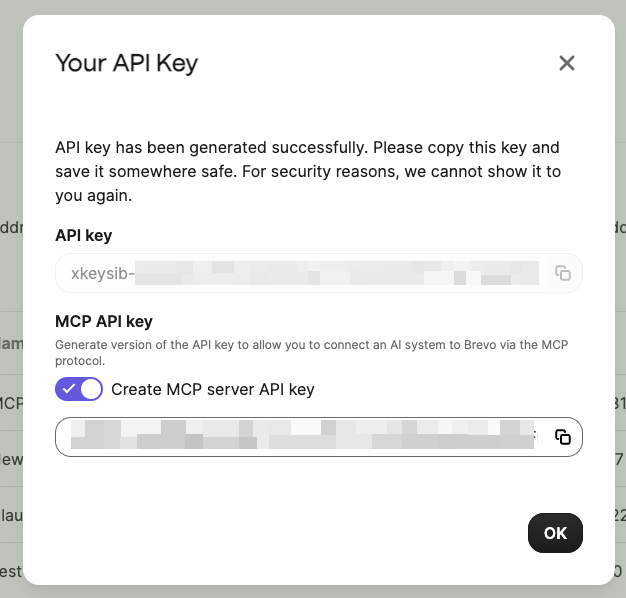
Example token format:
MCP Token
Token Structure
The MCP token is a secure, pre-generated credential that provides authenticated access to your Brevo account through the MCP protocol.
Security note
The token provides full access to your Brevo account. Store securely and never expose in client-side code.